Notice where the cable leaves the desk
If a charging lead slips behind a small desk every time you unplug a device, the trouble spot is usually the desk edge, not the whole cable setup. Trace the route from the outlet to the device and notice where the cord bends, tangles or drops out of reach. Start by fixing that one point before adding a larger tray or bundle of accessories.
A short sketch can help: mark the outlet, desk edge and normal device position. Keep the route clear of chair legs and the path where you walk.
Choose a reachable anchor point
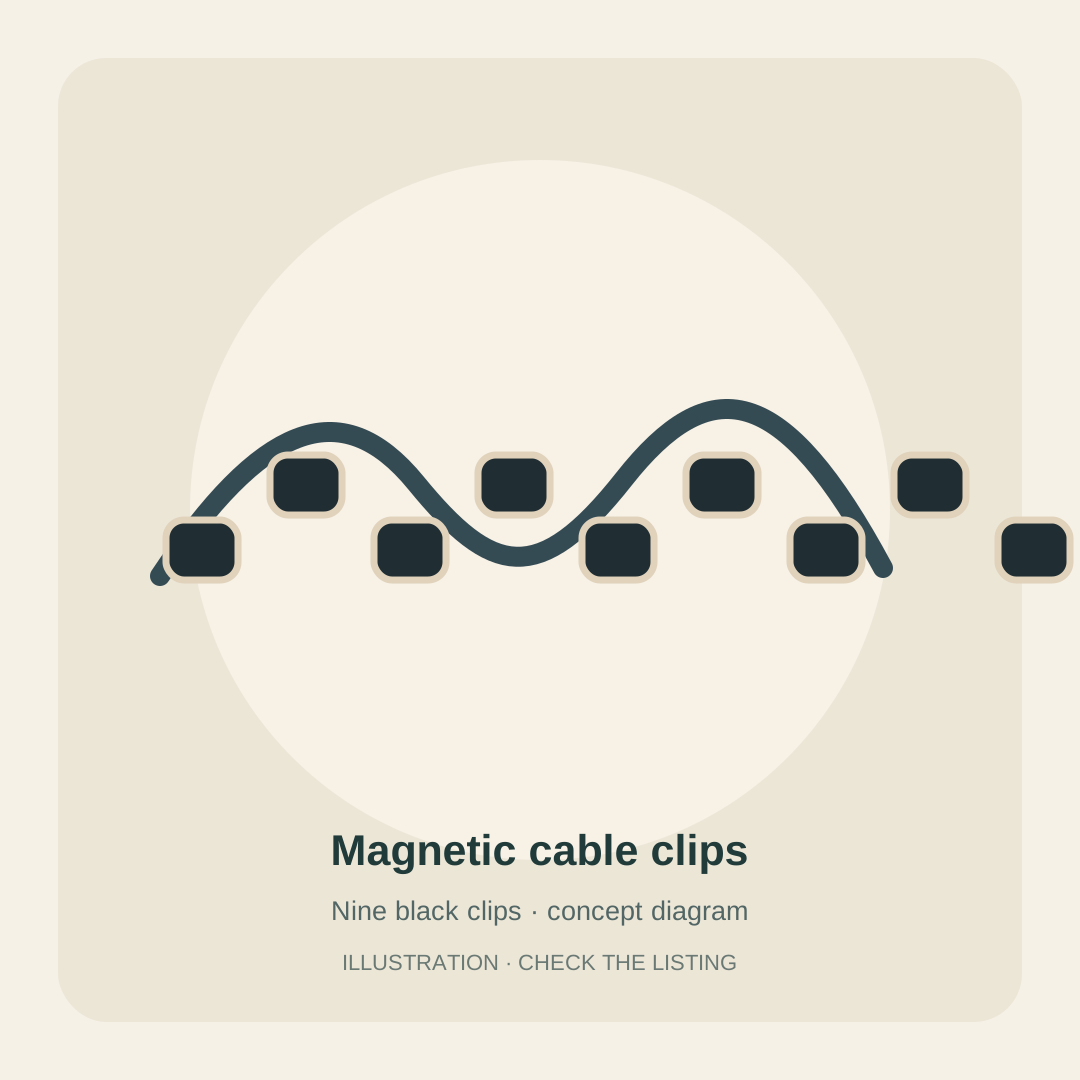
A small cable clip near the edge can keep a charging end ready for the next use. Put it close enough to reach without stretching, but not where your hands or notebook constantly catch it. Leave a little slack so you can move a phone or laptop normally without pulling the clip loose.
If you only have one cable that keeps disappearing, one well-placed anchor may be all you need.
Match the clip opening to the cable
Cable organizers are not universal. Compare the clip opening with the thickest cable you plan to hold, including any connector housing that needs to pass through. A tight fit can make cables hard to remove or strain their outer covering; a loose fit may not hold them in place. Check the current listing for compatible cable sizes rather than assuming every charger will fit.
Check the desk finish before mounting
Adhesive clips rely on a suitable, clean and dry surface. Review the mounting instructions and think about the desk finish before attaching anything, especially on veneer, painted or delicate surfaces. If you are unsure, test in a hidden area or choose a removable setup that does not depend on adhesive.
Give each cord a clear route
Keep each lead near the device that uses it and avoid wrapping cords tightly around a small anchor. Leave enough length for normal movement, keep plugs easy to reach, and do not route a cable where a drawer, adjustable desk part or chair wheel can pinch it. A tidy route should remain easy to disconnect when you need to take a device with you.
Separate the setup from the work surface
If a laptop stays on the desk, a vertical stand can reduce the footprint when the device is stored upright. Check the stand's current compatibility details and whether the laptop will be easy to remove for your routine. A stand may be a poor fit if you work directly from the laptop screen and keyboard for most of the day.
Keep only the devices you use in the current work session on the active surface. A small parking place for accessories can make reset easier without filling the desk with organizers.
Reset the desk in one small step
At the end of a work session, return the charging end to its anchor, unplug anything you no longer need and clear the work area. If the cable system makes that harder, reduce it: remove unused clips, shorten the number of routes, or move the anchor closer to where you sit. The aim is an easier reset, not a display-ready bundle of cords.
A short fit check before you choose
Measure cable thickness, inspect the surface and decide where the cable should naturally reach. Compare the current product details with that setup, then start with the smallest change that addresses the repeated annoyance.
- Measure the cable at its widest point before choosing a clip.
- Check that adhesive is suitable for the desk finish and follow preparation instructions.
- Leave slack for normal device movement and keep cords away from pinch points.
- Skip a clip or stand if it adds steps or blocks how you use the desk.